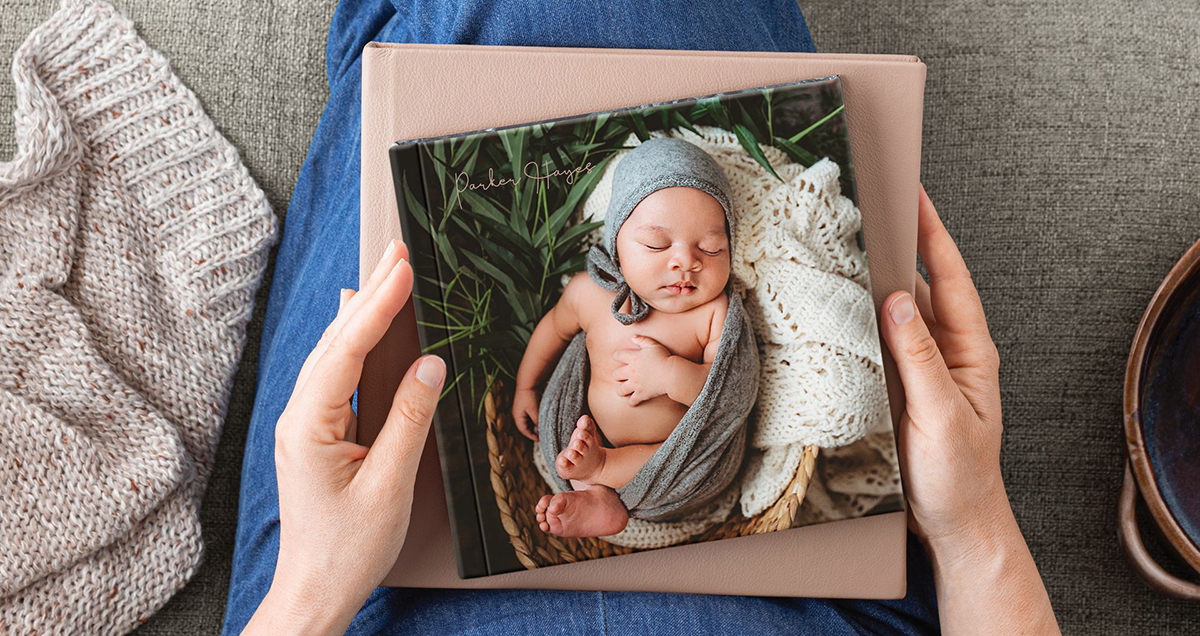

Here are some instructions on selecting images and materials for your Wedding Album! If you purchased an album with your wedding package, you do have the ability to upgrade size, page numbers or materials if you wish!
Keep in mind when selecting your images, 1-2 images per page would be ideal. For example, a 24-page wedding album, most couples would include between 24-72 photos, depending on the desired layout and how much they want to showcase on each spread. Adding more, especially for a smaller album, will appear cramped. Think quality over quantity, and avoid being redundant when choosing your images.
HOW TO SELECT IMAGES FOR YOUR WEDDING ALBUM
- Go to your online album, either use the direct link sent to you or enter your access code here, https://photos.chriszachary.com/clients.html
- Navigate to one of the galleries you wish to choose images from.
- Click the ‘Select Photos’ button from the menu at the top right.
- Then go through the gallery, selecting the photos you’d like to see in your album. You can edit your selections later on, so don’t worry about selecting too many at this stage.
- Once you’ve selected your images, navigate back up to the menu on the top right and click the ‘Add To Favorites’ button.
- The first time you do this, you will have to register an account. Once you register, you’ll see your selections at the top of the screen.
- Repeat steps 2-5 for each gallery in your album.
- Once you’ve selected all the images you want. Navigate to the ‘My Selection’ link at the top of the screen. At this point, you can narrow down the amount of images desired for your album.
- When you’re finished, click the ‘Share Favorites’ button at the top right of the screen and share your selections with me.
Once I receive your image selections, I will put together a draft and layout of your images. This will be approved by you before being sent to the printer.
CHOOSING MATERIALS FOR YOUR WEDDING ALBUM
There are many options for materials available for your wedding album (like seriously, an overwhelming amount). The only thing you will need to choose, is the Cover type. Thin, E-Surface Paper is included with all album purchases. You could also upgrade to a different paper style or thicker paper. But in my experience, thin, E-Surface paper will showcase your images best.
Cover choices include Leather (most popular), Linen, Velvet, Custom Image, Etc. To see a complete list of cover materials follow this link, https://www.millerslab.com/albums-books/millerssignaturealbums/covers.
Once your image selection is complete, you’ve approved the draft & you’ve selected your materials, I will finalize your album design and send it off to the lab. Turnaround is super quick and will be drop-shipped to your address on file in 2-5 days! Again, thank you for your business!

PRICING FOR WEDDING ALBUMS
There are so many customizeable options for albums. Materials, spreads, size, inscriptions can all be customized. In order to simplify the ordering process, all pricing below will include a square album, your choice of cover materials (leather, linen, velvet, woven or photo wrap), a one line inscription on the cover, 12 spreads (ie. 24 pages) and E-Surface paper. Packaging and shipping is included, tax is additional.
- 5 x 5 – $270
- 8 x 8 – $350
- 10 x 10 – $460
- 12 x 12 – $590
If you didn’t purchase an album with your package, that’s totally fine! I can create an invoice on your account for you to purchase the album of your choice.

